What Is PDF/A: ISO 19005 Levels, Conversion, and Validation
PDF Toucan editorial team · Last updated September 19, 2026 · 8 min read
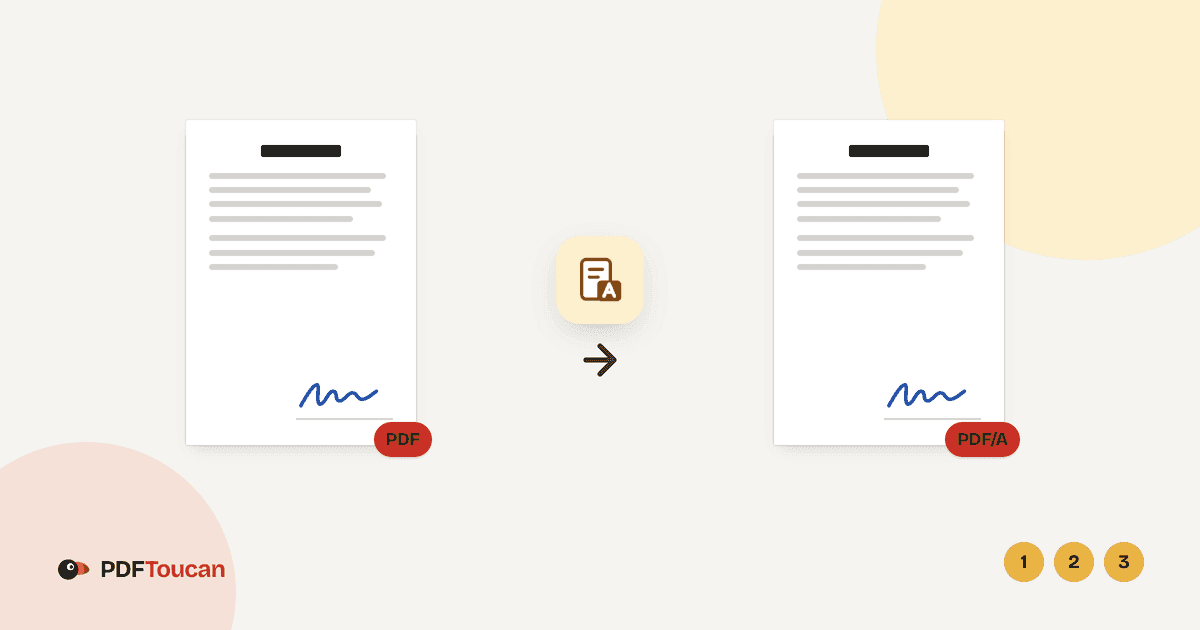
If you are asking what is PDF/A, the short answer is this: PDF/A is a family of ISO 19005 formats built for long-term preservation. It requires a more self-contained, predictable file than an ordinary PDF — embedded fonts, defined color information, and required metadata. Use PDF/A-2b for most archives, PDF/A-1b only when an older system requires it, and PDF/A-3b when the archived document must carry attachments.
What is PDF/A, and how is it different from a regular PDF?
PDF/A is a standardized subset of PDF, published as the ISO 19005 series and maintained with input from the PDF Association. Its purpose is narrow and practical: a document opened in ten or twenty years should still look the way it looks today.
A regular PDF has a lot of freedom. It can reference fonts that live on the author's computer, pull in external content, rely on scripts, or be encrypted with a password. Any of those can break later — a missing font gets substituted, a linked resource disappears, an old script no longer runs, a password is lost. PDF/A closes those doors.
A compliant PDF/A file:
- Embeds every font it uses, so text renders with the correct glyphs even on a machine that has never seen that typeface.
- Declares an output intent, a color profile that tells a viewer or printer how the colors were meant to appear.
- Carries required XMP metadata, including a declaration of which PDF/A profile the file claims to meet.
- Avoids forbidden features such as encryption, external content references, and (depending on the profile) certain multimedia and scripting.
One important caveat: PDF/A compliance is about preservation, not proof. It does not make a document authentic, legally admissible, tamper-evident, or unchanged since it left your hands. Those are separate concerns handled by signatures, chain of custody, and the rules of whoever is receiving the file.
What do PDF/A-1b, PDF/A-2b, and PDF/A-3b mean?
The naming looks cryptic but decomposes cleanly. The number identifies the generation of the standard. The letter identifies the conformance level.
- PDF/A-1 is based on older PDF technology (PDF 1.4). It is the most restrictive.
- PDF/A-2 allows more modern PDF features, including JPEG 2000 compression, transparency, and layers.
- PDF/A-3 adds one major capability: it permits arbitrary embedded attachments, including non-PDF files.
The "b" stands for basic — the file must reliably reproduce its visual appearance over time. There is also an "a" (accessible) level that additionally requires tagged structure and reading order, and a "u" level in PDF/A-2 and -3 that requires Unicode mapping for text. Most archives and submission portals ask for a "b" level, which is what conversion tools typically produce.
| Profile | Based on | Best for | Attachments allowed | Choose it when |
|---|---|---|---|---|
| PDF/A-1b | PDF 1.4 | Legacy records systems | No | A rule or portal names it explicitly |
| PDF/A-2b | PDF 1.7 | General archiving | PDF/A attachments only | Default choice for most submissions |
| PDF/A-3b | PDF 1.7 | E-invoices, data packages | Yes, any file type | The archived PDF must carry a data file |
A few practical rules of thumb:
- Pick PDF/A-2b unless told otherwise. It is broadly compatible and accepted by most archive systems.
- Pick PDF/A-1b only on request. It is older and more restrictive, so conversion is more likely to require rasterizing pages. Use it when an archive, court, agency, or records system names it.
- Pick PDF/A-3b for packaged documents — the classic example is a European e-invoice where a human-readable PDF and a machine-readable XML file travel together.
- Never assume a higher number is safer. Some ingestion pipelines reject PDF/A-3 outright because embedded attachments are a security and completeness concern. Read the receiving organization's published submission specification.
Why do archives, courts, and government records systems require PDF/A?
The motivation is risk reduction at scale. An archive that holds millions of documents cannot manually repair files that stop rendering correctly.
- Predictable display years later. Embedded fonts and declared color intent mean the file does not depend on what happens to be installed on a future workstation.
- Standardized electronic submissions. Courts and agencies that specify PDF/A reduce the variety of files they must process, which cuts down on display problems and rejected filings.
- Easier automated ingestion. Because the conformance rules are explicit and machine-checkable, a records system can validate incoming files automatically and reject nonconforming ones at the door.
- Retention workflows. Long retention periods (often decades) make a preservation format worth the conversion cost.
Two honest limits. First, the filing rule controls. PDF/A may be required, merely accepted, or actively prohibited depending on the portal, the jurisdiction, and the case type. Check the local rule and the upload requirements before you convert anything. Second, PDF/A does not cover other filing requirements. Bookmarks, redactions, page limits, OCR quality, document naming conventions, and accessible-PDF (PDF/UA or PDF/A-a) rules are all separate obligations.
What changes when a PDF is converted to PDF/A?
Conversion is not a rename. The file is genuinely rewritten, and you should expect changes.
- Fonts get embedded. If a font cannot be embedded for licensing or technical reasons, the converter must find another way to preserve appearance.
- Metadata and output intent are added. These are mandatory parts of the profile.
- Disallowed features are removed or flattened. Depending on the profile, this can include certain scripts, multimedia, external references, and some form behaviors. Interactive content may survive only as static appearance.
- Encryption is incompatible. PDF/A does not allow encrypted files, so a password-protected PDF generally has to be unlocked before conversion.
- Some files must have pages rebuilt as images. When the source PDF cannot be repaired into compliance any other way, rasterizing the pages preserves the visual appearance exactly. With PDF Toucan, pages rebuilt this way keep a searchable text layer, so you do not lose the ability to search the document.
After any conversion, inspect the result visually — particularly signature blocks, filled forms, vector charts, color-critical pages, and documents using non-Latin scripts where font substitution problems are most visible.
How do you convert PDF to PDF/A online for free?
The steps below work the same on desktop and mobile browsers.
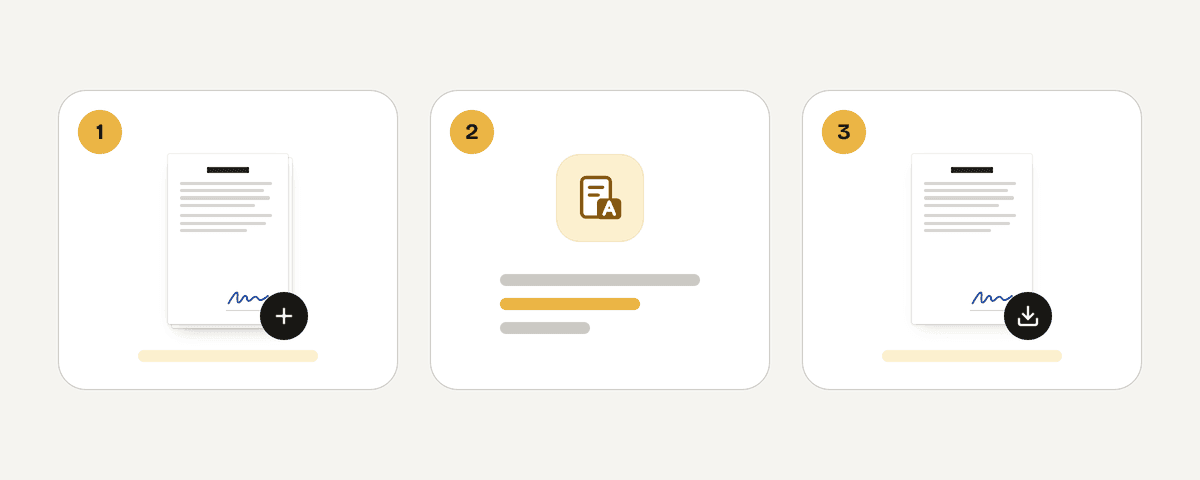
- Open the PDF to PDF/A converter in any current browser.
- Choose "Select PDF files", drop PDFs anywhere on the page, or paste them. Multiple files are accepted, and each file is converted on its own.
- Under "PDF/A version", choose your target: "PDF/A-2b" (marked Recommended — the most compatible choice), "PDF/A-1b" for older systems that specifically ask for it, or "PDF/A-3b" for documents stored together with attached files such as e-invoices.
- Choose "Convert to PDF/A" and wait for processing to finish.
- Choose "Download the PDF/A file" for each result. Multiple results download together as
PDFA_files.
The tool is free, needs no account, adds no watermark, and has no daily limit; ads fund the site. Files are sent over HTTPS to servers in the European Union, processed in memory rather than written to disk, and deleted as soon as the result is downloaded — at the latest after 10 minutes.
If you are preparing a multi-document submission, convert each file first, then use the merge tool only if the recipient allows a combined PDF. Merging after conversion means the parts have already been checked individually. Apply page-numbers only when numbering does not conflict with filing or records rules — some courts require specific pagination formats, and some archives forbid altering the original page surface.
How can you validate a PDF/A file before submitting or archiving it?
Validation is a formal conformance test, not a smoke test. Opening a file successfully in a PDF reader proves almost nothing about PDF/A compliance; readers are forgiving and will happily display a nonconforming file.
PDF Toucan runs each converted file through veraPDF, the open-source PDF/A validator, and reports the outcome in the results area — for example, Validated as PDF/A-2b with veraPDF. When pages had to be rasterized to achieve compliance, the result is labeled accordingly: Pages rebuilt as images, text searchable.
A sensible pre-submission review:
- Match the profile to the requirement. A file validated as PDF/A-2b does not satisfy a rule that specifically demands PDF/A-1b. Re-convert at the right level if they differ.
- Open the downloaded file and page through it. Look for missing or boxed characters, shifted layout, unreadable small text, and broken tables.
- Test the text layer. Search for a word you know appears mid-document to confirm the text is selectable and findable.
- Check attachments if you used PDF/A-3b — confirm the embedded file is present and opens correctly.
- Keep the evidence. If your organization, archive, or court workflow requires an audit trail, retain the validation result alongside the exact copy you uploaded.
Is PDF/A the same as a searchable PDF?
No. Searchability means the file contains a text layer you can select and search. PDF/A is a preservation profile covering fonts, color, metadata, and forbidden features. A PDF/A file may or may not be searchable, and a searchable PDF may fail PDF/A validation entirely.
Which PDF/A version should I use for court filing?
Follow the court's published filing rule or portal specification — it controls. If the rule names a version, use exactly that one. If it says only "PDF/A" without a number, PDF/A-2b is the usual safe default because most systems accept it. Verify before you file.
Can a PDF/A file include attachments?
PDF/A-3 allows embedded attachments of any file type, which is why it is used for e-invoices that pair a readable PDF with machine-readable data. PDF/A-2 permits only PDF/A attachments. PDF/A-1 does not allow embedded files at all, so attachments will be dropped during conversion.
Does converting to PDF/A preserve digital signatures?
Generally, no. Rewriting the file to meet conformance rules changes the bytes a signature covers, so existing signatures typically become invalid or are removed. Convert first, then apply any required signature to the finished PDF/A file, and confirm the receiving system accepts that order.
Can I convert multiple PDFs to PDF/A at once?
Yes. Select or drop several PDFs and each one is converted separately using the same PDF/A version setting, then downloaded together. If different documents need different profiles, run them in separate batches so each file gets the correct conformance level and validation result.