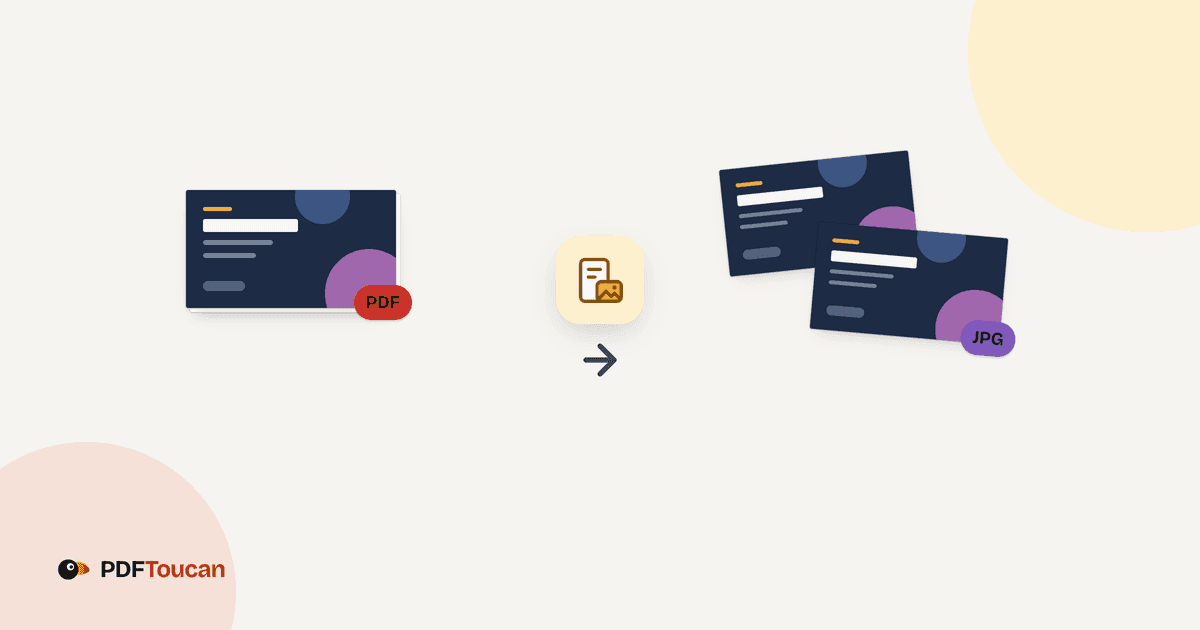
PDF to JPG is the job of turning each page of a PDF document into a separate image file, and on PDF Toucan it happens inside your browser. Nothing is uploaded. You pick the pages you want, choose JPG, PNG, or WebP, set a resolution, and convert. Each selected page comes back as its own image, ready to download one by one or together as a ZIP.
What you can do with Convert PDF to JPG
Turn every PDF page into its own JPG
Each page in the file becomes a separate image, so a ten-page PDF gives you ten pictures. The document is not flattened into one tall strip. When JPG is not the right fit, the same run can produce PNG or WebP instead.
Choose JPG, PNG, or WebP for each conversion
JPG opens in every program and stays small, though text edges can soften a little. PNG is lossless, so text and lines stay as sharp as they get, with the largest files. WebP lands near PNG sharpness at near JPG size, but older programs may not open it.
Set resolution for screens, email, or printing
Low keeps files smallest for reading on screen and sending by email. Standard looks crisp on screen and clean on an office printer. High suits printing and zooming in, and files grow noticeably. The tool shows the dpi and pixel dimensions before you convert.
Convert all pages or only the pages you need
Pick all of them, click individual pages in the grid, or type a page range. The range you type stays in sync with the selection in the grid, so you can mix both ways of choosing. If nothing is selected, the tool asks for at least one page.
Add several PDFs and download the images
You can load more than one PDF in the same session. Every chosen page from every file becomes an image. Download each image on its own, or take the whole set as a single ZIP when you have converted many pages at once.
Convert without an account or a watermark
No sign-up, no email address, no watermark on the images. Browser tools on PDF Toucan have no daily limits, and the converter is free to use. Ads keep the site running, so you can convert PDF to JPG online as often as your work needs.
How to convert PDF to JPG online
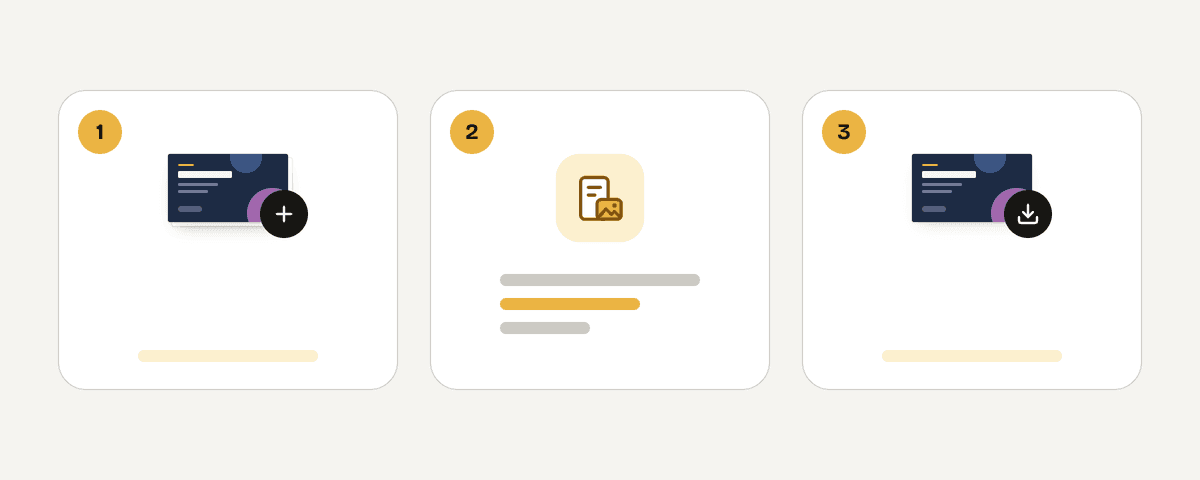
Add the PDF files you want as images
Drop your PDF into the Files to convert area, or browse for it on your computer. You can add several PDFs. Each one opens as a page grid, so you can see what you are working with before choosing anything.
Choose all pages, selected pages, or a range
Under Pages to convert, keep All of them, or switch to Selected pages and click the pages you want in the grid. You can also type a page range; the typed range and the grid selection stay in sync.
Pick the image format and the resolution
In Image options, choose JPG, PNG, or WebP, then pick Low, Standard, or High resolution. The tool shows the dpi and the pixel size for the choice you make, along with how many images will be created.
Convert the pages and download your images
Start the conversion and wait for the pages to finish. Each page is ready as an image in the format and dpi you chose. Download them one at a time, or grab the full set as a single ZIP file.
Your PDF stays on your computer
This converter runs locally in your browser. A processing engine loaded into a web worker reads the PDF and renders the pages on your own device, so the file is never uploaded to a server. Nothing leaves your computer during the conversion, and the images are written straight to your downloads folder. That also means the work keeps going if your connection drops after the page has loaded. Confidential contracts, medical scans, and internal reports can be converted the same way as anything else. No account is needed, and no watermark is added to the images.
Runs in your browser: the file never leaves your device.
Convert PDF to JPG – frequently asked questions
How do I convert PDF to JPG free?
Open the tool, add your PDF, choose the pages, pick JPG, and select a resolution. Then convert and download the images. There is no account, no watermark, and no daily limit on browser tools, so the whole conversion costs nothing.
Can you convert a PDF to JPG without signing up?
Yes. No account, email address, or sign-in is required. You add the file, set the options, and download the images. Because the conversion happens in your browser, there is nothing for a server to associate with an account in the first place.
What is the best resolution for PDF pages to JPG?
Standard suits most work: crisp on screen and clean on an office printer. Choose Low when you need small files for email or screen reading. Choose High when you will print the image or zoom in closely, and expect the files to grow noticeably.
Which pages can I convert from a PDF?
Any of them. Keep All of them for the whole document, switch to Selected pages and click the thumbnails you want, or type a page range. The typed range and the grid selection stay in sync, and you need at least one page selected to start.
Does converting PDF to JPG make one image per page?
Yes, every page becomes its own image. A five-page file produces five images. You can download each one separately, or take the whole batch as a single ZIP, which is easier when you have converted a long document.
Is PNG better than JPG for PDF text?
PNG is lossless, so text and lines stay as sharp as they get, but the files are the largest of the three options. JPG is smaller and opens everywhere, though text edges can soften a little. WebP sits between them; older programs may not open it.
Where are my PDF files processed?
On your own device. The converter runs in your browser through a web worker, so the PDF is not uploaded and no copy is stored on a server. Close the tab and both the file and the rendered images are gone from the page.
Need the trip in reverse? The jpg-to-pdf tool on PDF Toucan builds a new PDF from images you have saved, which helps after you have marked up a page as a picture. If the source document is heavy and slow to open, run it through compress first, then convert only the pages you actually need.
Last updated September 19, 2026